Ordering question type
Overview
Originally developed by community moodler Gordon Bateson the ordering question type was added to standard Moodle from Moodle 4.4 onwards thanks to sponsorship by the Moodle Users Association.
It displays several items (words, phrases, images or other media) in a random order which must then be dragged into the correct sequential order.
Video link: Ordering question type in Moodle 4.4
Examples with words and images
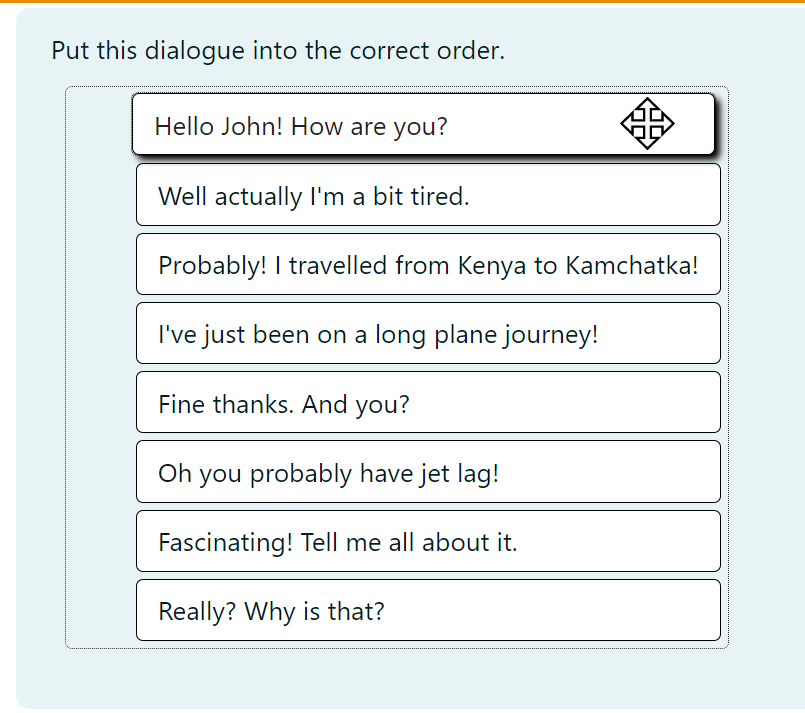
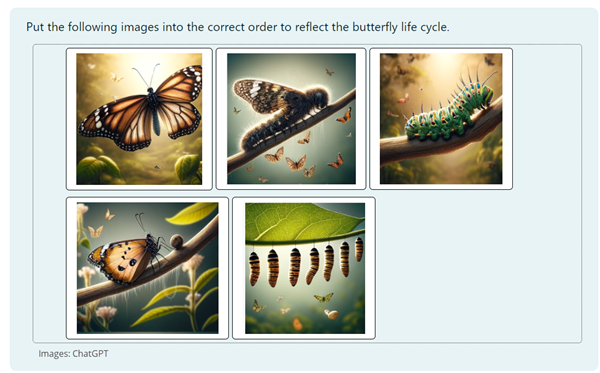
How to create an ordering question
- Add the question name and the question text:
- Choose whether you want the items to display vertically or horizontally.
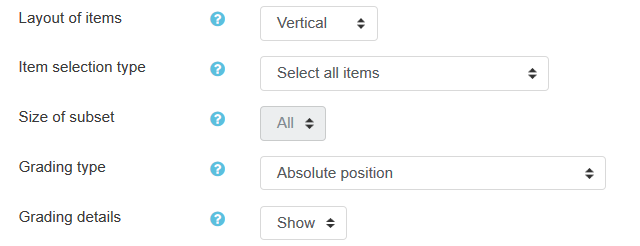
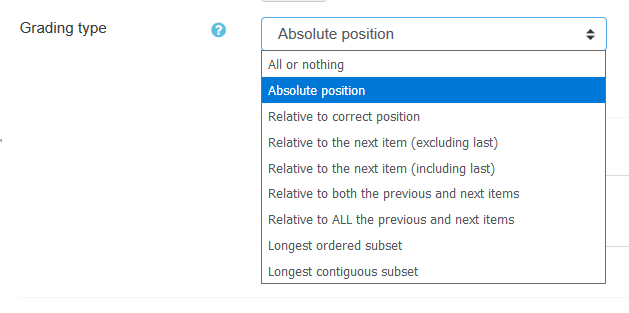
- Choose the best grading type for your learners.
- Add the items in the correct order:
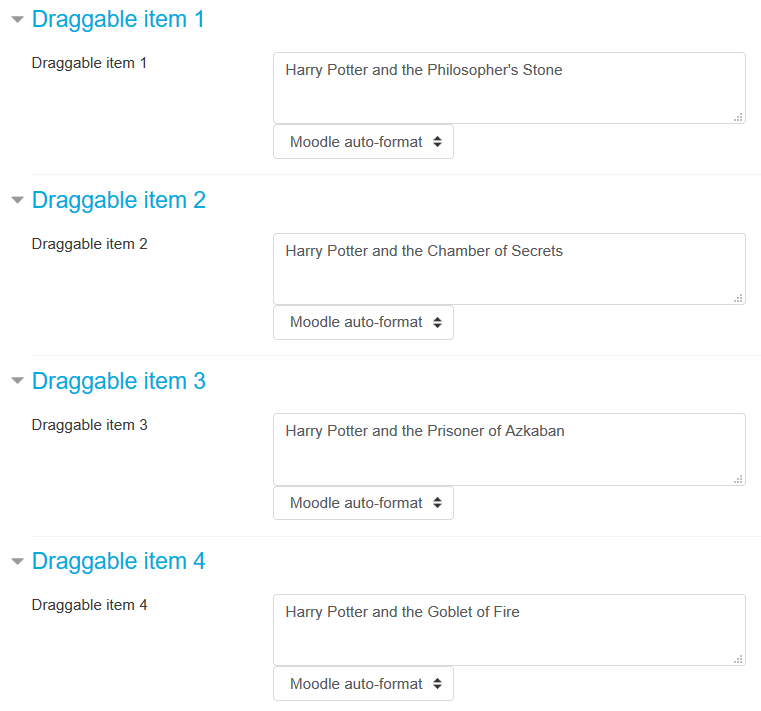
- Add hints for multiple tries if needed and tags if required.
What the student sees
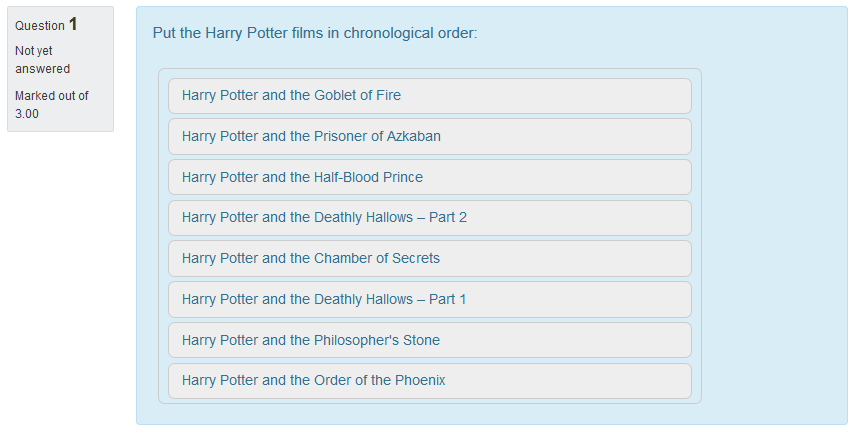
- The student will see a jumbled list of items. The student needs to drag and drop the items until the list is in the correct order:
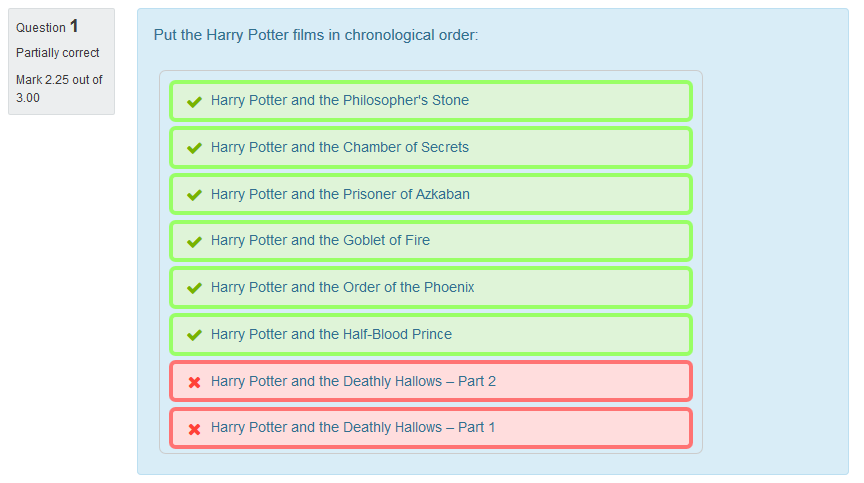
- If the student misplaced items, they will be marked red
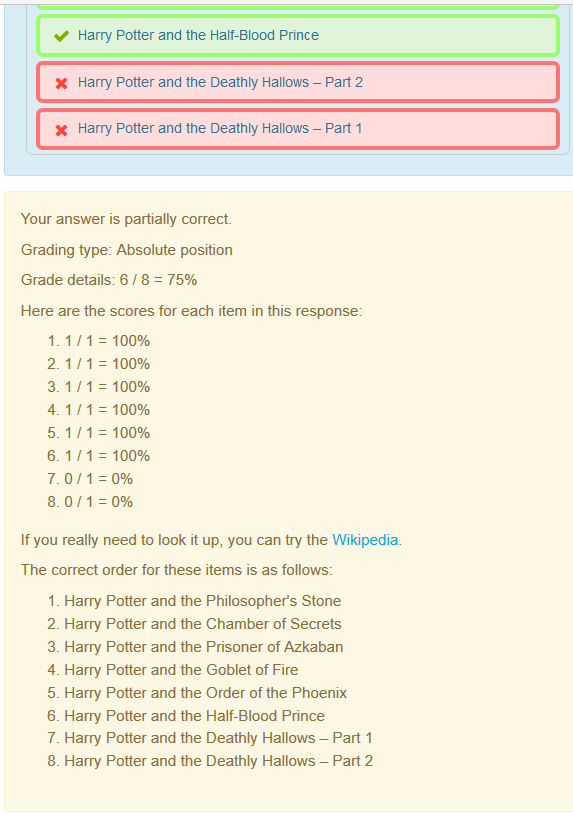
- It may be important to have a proper feedback sentence explaining what went wrong (if anything)
External links
- MoodleFormulas where you can try some examples of the Ordering question type.